
Download iTab – free Instagram quick‑access tool for Windows, Mac, Android & iOS
Overview
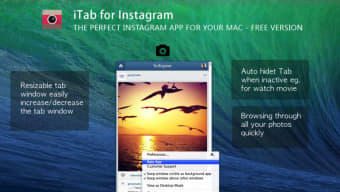
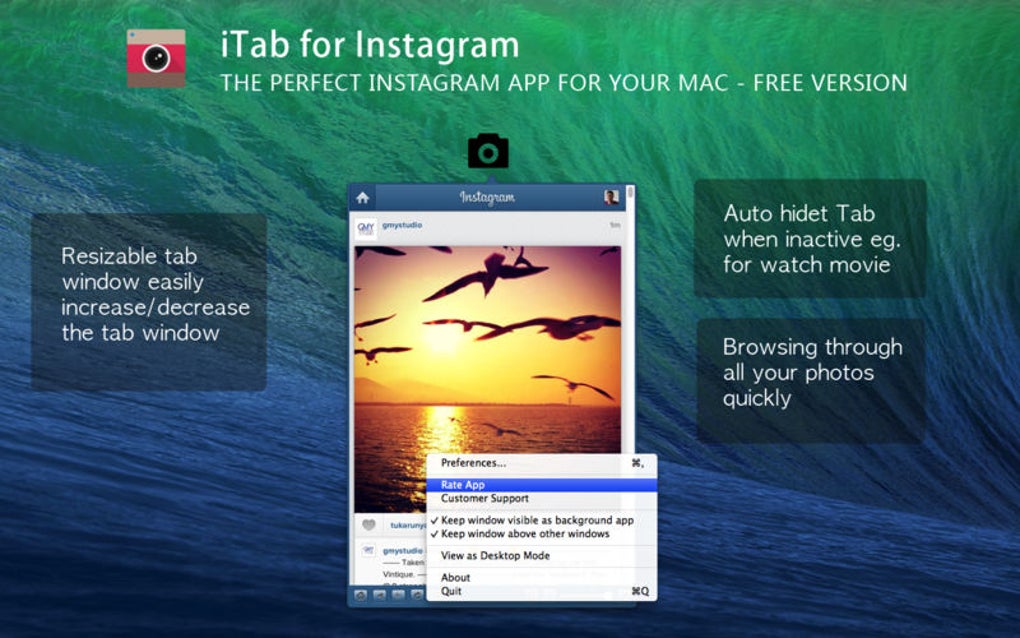
iTab is a lightweight, free alternative for anyone who wants instant access to Instagram without cluttering their desktop or mobile home screen with the official app. Designed as a slim “insta‑tab” that sticks to the edge of your screen, iTab lets you glance at your own profile, scroll through friends’ pictures, and even like or comment with a single click. The app stays out of the way until you need it, making it ideal for users who check Instagram sporadically throughout the day.
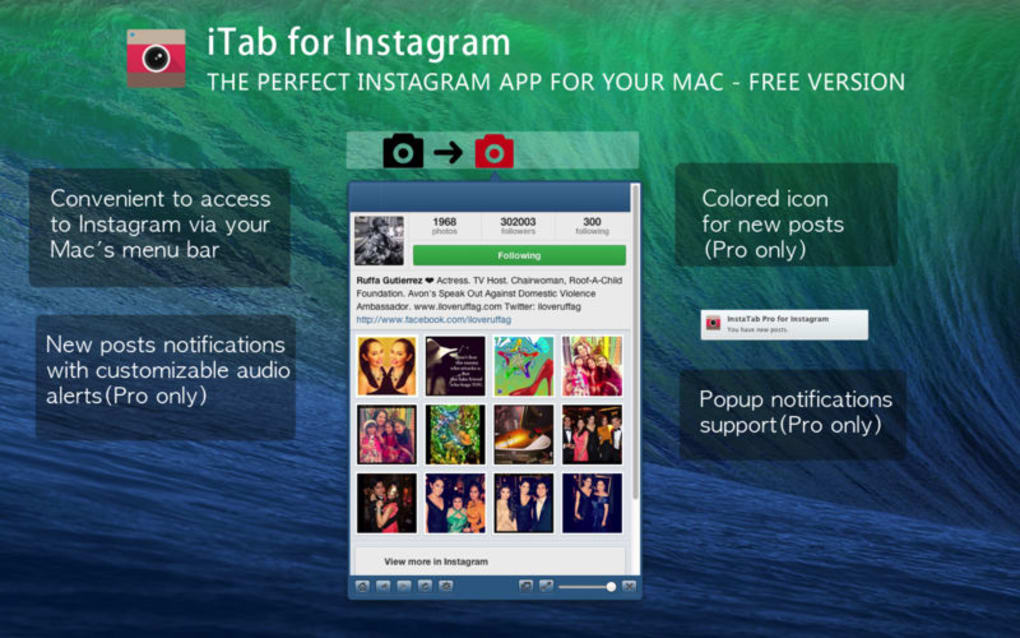
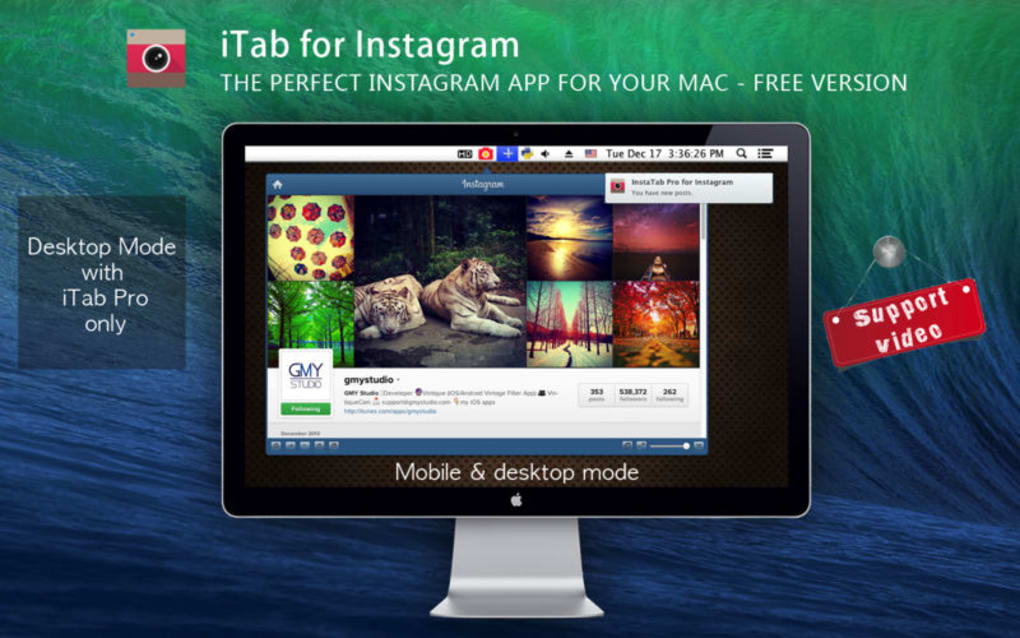
While the free version offers basic feed browsing, it does not push notifications for new posts or unlock advanced options such as desktop mode, stealth mode, or pop‑up alerts—that functionality resides in the paid Pro tier. Nevertheless, the free tier serves as a functional taster that demonstrates how a persistent side‑tab can streamline social‑media consumption on any platform. iTab’s minimalist design is deliberately unobtrusive: it expands only when you hover over or tap the tab, then collapses back to a thin strip, preserving screen real‑estate for your primary work or entertainment windows. For users who value speed, privacy, and a distraction‑free Instagram experience, iTab offers a compelling, secure way to stay connected without the overhead of the full Instagram client.
Key Features, Usage & Compatibility
Feature List
- Edge‑attached Instagram tab that stays visible on any screen.
- Quick view of your own profile and the latest posts from people you follow.
- Lightweight UI that expands on hover or tap, then retracts automatically.
- Supports basic interactions: like, comment, and open a post in the full Instagram app.
- Free version provides unlimited feed browsing without ads.
- Pro upgrade unlocks notifications, desktop mode, stealth mode, and pop‑up alerts.
How It Works
After installation, iTab adds a thin vertical bar to the left or right edge of your display, based on your preference. Clicking the bar slides the Instagram feed into view, allowing you to scroll through images just as you would in the official app. Because the tab is always present, you never need to search through a start menu or home screen; a single glance tells you if there’s new content worth exploring. Interaction is smooth on both mouse‑driven desktops and touch‑enabled devices. If you decide you need a deeper dive—such as watching a video or exploring Stories—iTab provides a quick “Open in Instagram” button that launches the full client, preserving the seamless bridge between a lightweight view and the full‑featured app.
Compatibility
iTab is built to run natively on the most common operating systems:
- Windows 10/11: 64‑bit installer with automatic start‑up configuration.
- macOS Catalina and later: Signed .dmg package, works on both Intel and Apple Silicon.
- Android 8.0+: APK distributed via the official website (sideloading required).
- iOS 13+: Limited to iPadOS as a widget‑style app; iPhone users can use the Android version via an emulator.
Pros & Cons
Pros
- Instant access without opening the full Instagram app.
- Minimal CPU and RAM usage, keeping your system responsive.
- Free core functionality works without forced ads.
- Edge‑tab design preserves valuable screen space.
- Cross‑platform availability ensures a consistent experience.
Cons
- Advanced features (notifications, stealth mode) are locked behind a paid Pro upgrade.
- Free version does not provide push notifications for new posts.
- iOS support is limited to iPadOS, requiring work‑arounds for iPhone users.
- Some users may find the constantly visible tab distracting if they rarely use Instagram.
- Occasional UI lag on older hardware when loading high‑resolution images.
Installation Guide & Frequently Asked Questions
Installation Steps
Installing iTab is straightforward on all supported platforms. Below is a step‑by‑step guide for each OS:
- Windows:
- Download the
iTab-Setup.exefrom the official website. - Run the installer and accept the license agreement.
- Choose the screen edge (left or right) where the tab will appear.
- Complete the installation; iTab will launch automatically and add a shortcut to the Start menu.
- Download the
- macOS:
- Download the
iTab.dmgfile. - Open the DMG and drag the iTab icon to your Applications folder.
- Launch iTab; the system may ask for permission to control your screen—grant it.
- Set your preferred edge in the preferences window that appears on first launch.
- Download the
- Android:
- Download the
iTab.apkfrom the website (ensure “Install unknown apps” is enabled for your browser). - Tap the APK file and follow the on‑screen prompts to install.
- After installation, open iTab and position the tab on the desired screen edge.
- Download the
- iPadOS (iOS):
- Visit the iTab download page in Safari.
- Tap “Add to Home Screen” to create a shortcut that functions like a widget.
- Open the shortcut and swipe to reveal the Instagram tab.
FAQ
Is iTab completely free to use?
The core feed‑browsing feature is free, but advanced options such as push notifications, stealth mode, and full‑screen view require the optional Pro subscription.
Does iTab store my Instagram credentials?
iTab uses Instagram’s OAuth system, so your login details are never stored locally. Authentication is handled securely through Instagram’s own servers.
Can I customize the tab’s appearance?
Yes. In the preferences window you can switch between light and dark themes, adjust the tab width, and choose the screen edge where it anchors.
Will iTab affect my system’s performance?
iTab is designed to be lightweight; it consumes less than 30 MB of RAM and minimal CPU cycles, even when the feed is active.
How do I upgrade to the Pro version?
Open iTab’s settings, click “Upgrade to Pro,” and follow the in‑app purchase flow. The upgrade is a one‑time payment, after which all premium features unlock instantly.
Conclusion & Call to Action
iTab fills a niche that many Instagram users didn’t even realize they needed: a discreet, always‑ready view of their social feed without the overhead of the full application. For students, professionals, or anyone who values a clean desktop, the free version delivers reliable, secure access to photos and basic interactions, all from a slim tab that lives on the edge of the screen. While power users may eventually gravitate toward the Pro tier for notifications and stealth mode, the zero‑cost core experience is more than sufficient for casual browsing and quick checks between tasks. Installing iTab is painless across Windows, macOS, Android, and iPadOS, and the app’s minimal resource footprint ensures it won’t slow down your workflow. If you’ve been looking for a way to keep Instagram within reach without the clutter of an additional icon, iTab is the solution you’ve been waiting for.
Ready to streamline your Instagram experience? Download iTab now and enjoy instant, secure access to your feed—free of charge. Upgrade to Pro later if you need advanced alerts and a full‑screen view. Stay connected, stay productive, and let iTab handle the scrolling while you focus on what matters most.







